sales@robloxstudiomasterclass.com
Roblox Studio Masterclass Logo Roblox Studio Masterclass

Roblox Studio Story Game Course

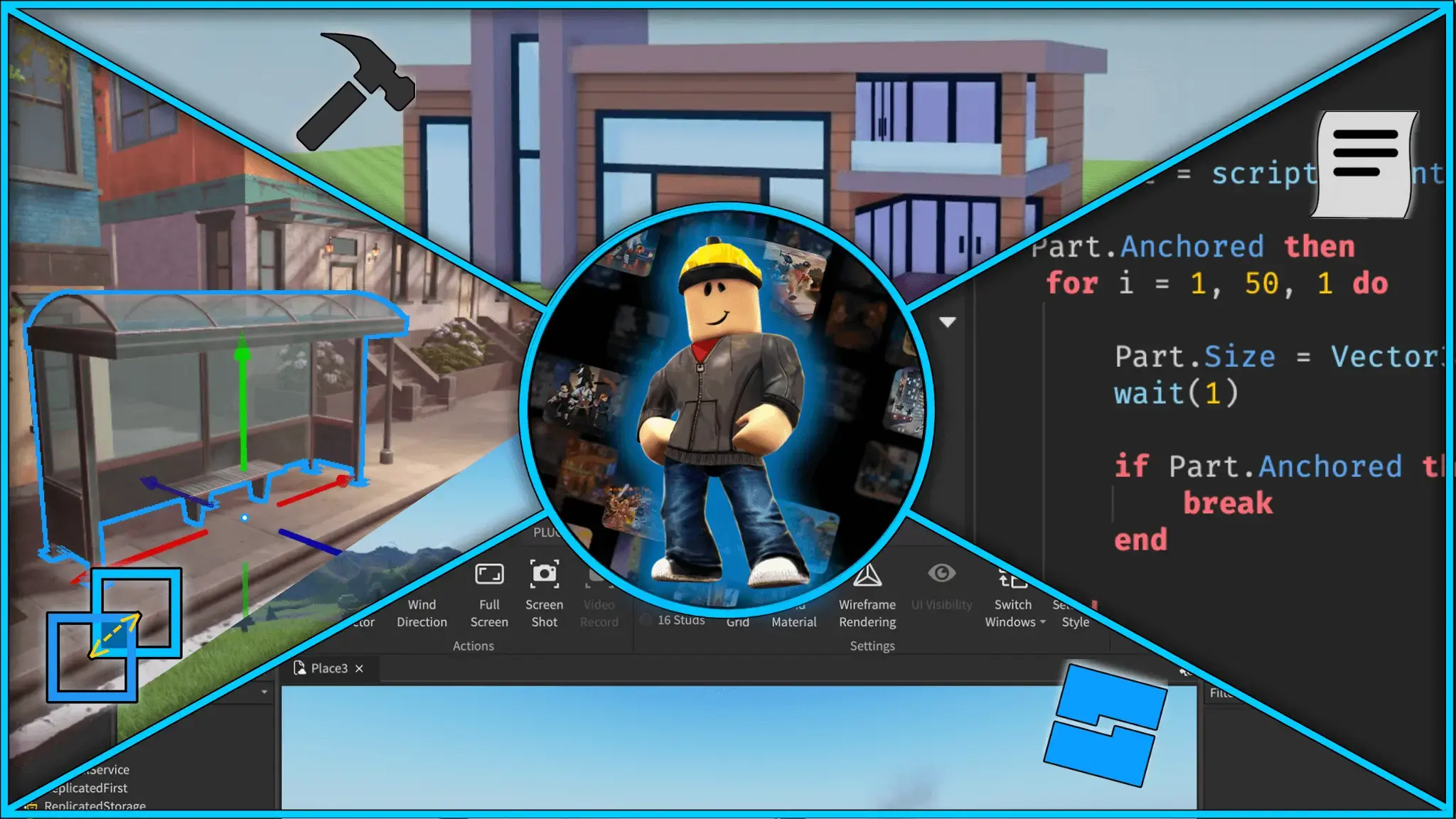
Walkthrough developing a STORY GAME in ROBLOX Studio - Gain a full understanding of Game Development.

4.3 (20+ reviews)
Updated: January 2026 Language: English Captions: English
What you'll learn
Have a deep understanding of the ROBLOX Studio interface
Be able to solve and debug problems in your own scripts
Use BLENDER to create advanced models
Have support from myself in the Q&A Section
Have PRACTICAL EXPERIENCE developing games
Design your own game UI using FIGMA
Thoroughly test your own games to ensure a high quality
Access to our DISCORD community
Who this course is for
Beginners who prefer to learn more practically (watch and do)
Existing developers aiming to learn ROBLOX Studio
Intermediate users wanting a greater understanding
Requirements
Absolutely no previous experience required
A computer with an internet connection
Desire to become a hit ROBLOX Dev

Ready to dive into the exciting world of ROBLOX game development? Whether you're just starting out or already have experience and want to level up your skills, this course is your ultimate path to becoming a top-tier ROBLOX developer!

This story course has been adapted from part of my main roblox studio masterclass. My masterclass breaks down game development topic by topic, and includes this story game creation. If you prefer that style of learning, you can find my original course on my udemy profile.

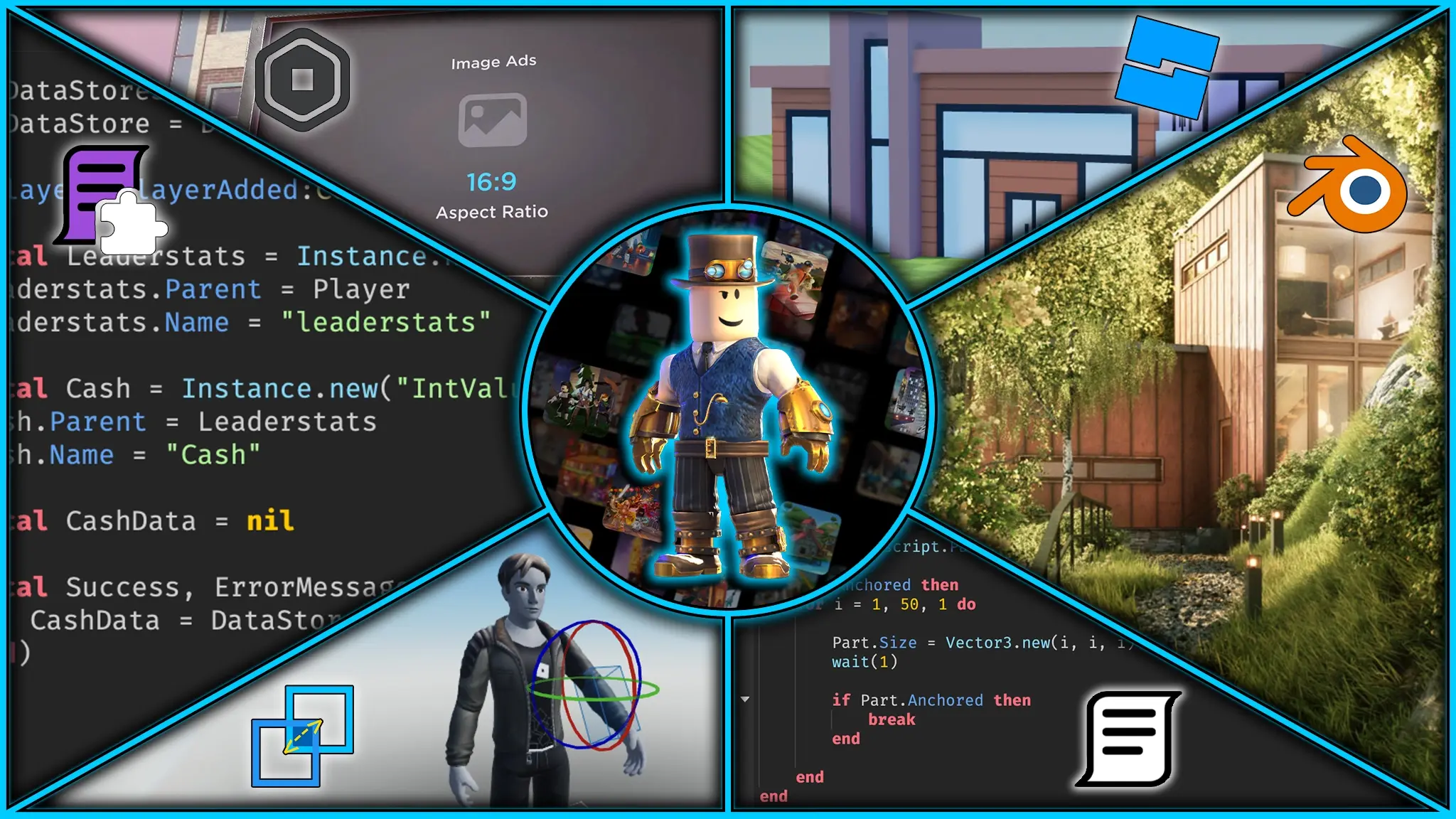
In this course you will learn all areas of ROBLOX game development including:

  • Game Design
  • Programming
  • Modelling (Blender)
  • UI Design (Figma)
  • Animation
  • Testing
  • Publishing
Over 19 hours of In-Depth Lectures:

Dive deep into ROBLOX game development with over 19 hours of high-quality video lectures. Each lecture contains detailed step-by-step explanations from an experienced ROBLOX tutor.

Blender Integration:

Take your character design to the next level by learning how to model a ghost from scratch using Blender. This section introduces you to 3D modeling and provides practical experience creating and importing custom assets to ROBLOX.

Practical Understanding:

By the end of this course, you won’t just have followed along with a project—you’ll understand how each element fits together to create a complete, playable experience. You'll be able to confidently open a blank Roblox Studio project and start building your own unique games from the ground up.

Figma UI Design:

Learn how to create modern visuals that improve your games usability and immersion. We use Figma to design a sleek, spooky and user-friendly UI including dialogue prompts and a tasks menu. This UI design is then tweaked and created in ROBLOX studio.

Craft High-Quality Front Page Games:

Elevate your game development skills to the next level. By the end of this course, you won’t just be building simple starter games; you’ll have the knowledge and expertise to create high-quality front-page games that captivate players and make a lasting impact in the ROBLOX community.

Thorough Testing:

No game is complete without testing, so you'll be guided through how to test your game for bugs and what to do when you encounter one. After this course, you will feel confident solving errors on your own.

Discord Community and Help:

By enrolling in this course, you will also have access to the dedicated Discord community with over 1000 members. Here you can get help from other course members, get hired by other developers or have a casual chat. Alternatively, you can also message me on Udemy if you get stuck and I will respond to you within 24 hours.

With Udemy's 30-day money-back guarantee, you can try out this course risk-free. If you are not 100% happy with the course, you can get a full refund with no questions asked.

Join today and embark on your journey to game development greatness!

  • About Me 3:09
  • Course Overview 6:13
  • Setting up Roblox Studio 2:17
  • Join the Discord Server

  • Creating a Planning Document 1 15:46
  • Creating a Planning Document 2 12:04

  • Creating Terrain and Map Basics 22:10
  • Continuing Map Exterior 21:06
  • Developing Basic Map Interior 1 20:33
  • Developing Basic Map Interior 2 12:52
  • Building Map Basement 1 16:55
  • Building Map Basement 2 17:15

  • Designing Game UI in Figma 1 15:10
  • Designing Game UI in Figma 2 13:37
  • Creating Game UI in Studio 1 17:05
  • Creating Game UI in Studio 2 18:53

  • Starting Base Game System 17:51
  • Scripting Dialogue System 1 14:12
  • Scripting Dialogue System 2 21:02
  • Scripting Task System 16:25
  • Adding Camera Positions to Game System 9:33
  • Writing Game System Module Script 1 19:24
  • Writing Game System Module Script 2 21:18
  • Continuing Main Game System 1 17:51
  • Continuing Main Game System 2 19:45
  • Continuing Main Game System 3 18:44
  • Continuing Main Game System 4 18:23
  • Continuing Main Game System 5 16:10

  • Adding Currency System 1 16:44
  • Adding Currency System 2 14:15

  • Developing Basement Key and Bolt Cutters 1 17:16
  • Developing Basement Key and Bolt Cutters 2 17:11
  • Developing Basement Key and Bolt Cutters 3 17:10

  • Modelling the Ghost in Blender 1 16:11
  • Modelling the Ghost in Blender 2 18:17
  • Setting up Ghost in Studio 16:35
  • Scripting Ghost Pathfinding and Adding Animations 1 15:26
  • Scripting Ghost Pathfinding and Adding Animations 2 18:17
  • Scripting Ghost Pathfinding and Adding Animations 3 16:03
  • Creating Ghost Attack System 1 17:29
  • Creating Ghost Attack System 2 17:10
4/5

“so far its going gr8. everything is understandable.”

Anton B. • June 14, 2026
1/5

“Do not purchase this course if you are completely new to Roblox. This course is also a part of another course called The Complete 2026 Roblox Studio Masterclass (UPDATED). I recommend purchasing that course as it goes over the topics that are skipped in this one and has a better intro into this course.”

Timothy J. • June 3, 2026
4/5

“it is great! me as a 10-year-old needs an understandable and a full explanation of the topic, this is a great way to focus on one thing for me to actually understand the concept and creating games in the future.”

Gayathri • April 28, 2026
4.5/5

“it was good so far every thing is simple and well shown”

Essa R. • February 18, 2026
2.5/5

“You guys assume we know Roblox Studio shortcuts already, and there's some parts where you implicitly do some shortcuts with the mouse, or something and I cannot follow along. Also, there's no resources for updated versions of Roblox Studio, and/or deprecated, and also using macOS, Windows, etc...”

Federico G. • January 6, 2026
4.5/5

“goood job teaching”

Tracy K. • December 24, 2025
4/5

“i lik dis ting”

Angelo M. • December 20, 2025
5/5

“good”

Kala M. • June 19, 2025

Why My Courses Are Hosted on Udemy

Udemy is one of the largest online learning marketplaces, where millions of students discover new skills through structured, video-based courses. It gives learners a simple place to enroll, track progress, and revisit lessons anytime.

I host my courses on Udemy because it gives students a reliable and familiar learning experience, while letting me focus on creating high-quality Roblox lessons instead of rebuilding course delivery tools from scratch.

What this means for you

  • Easy enrollment and course access across devices
  • Progress tracking so you can learn at your own pace
  • Lifetime access to rewatch key lessons when needed
  • Secure checkout, reviews, and a trusted platform experience
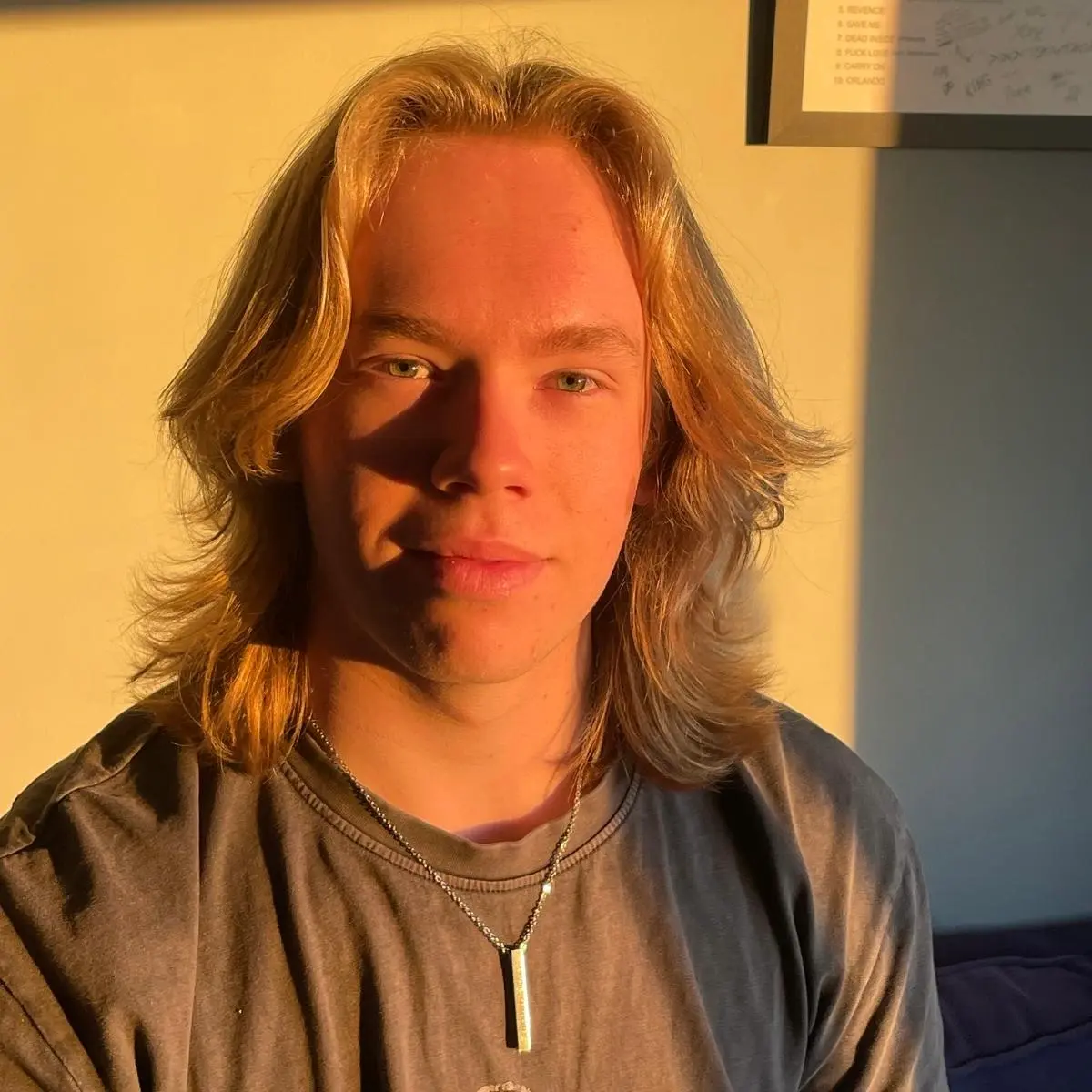
Kurt, creator of the Roblox Studio Masterclass

About Your Instructor

Hi, I'm Kurt. I started learning Roblox Studio as a complete beginner, went on to teach more than 400 one-to-one lessons, and now share what I've learned through structured, practical courses.

Learn more about my journey, the games I've built, and why I created these courses.

More About Me