sales@robloxstudiomasterclass.com
Roblox Studio Masterclass Logo Roblox Studio Masterclass

Roblox Studio Introduction Course

Start developing in Roblox Studio with a practical, beginner-friendly curriculum covering map design, core scripting, and game-building workflow essentials.

4.5 (45+ reviews)
Updated: January 2026 Language: English Captions: English
What you'll learn
Have a deep understanding of the ROBLOX Studio interface
Design and develop high quality models and assets effectively
Know the basics of Lua and Luau scripting
Understand the client-server communication model
Be able to change your game using Lua and Luau scripting
Who this course is for
Complete beginners starting ROBLOX Studio for the first time
Anyone wanting to learn Lua and Luau programming in ROBLOX
Beginners wanting a greater understanding
Requirements
Absolutely no previous experience required
A computer with an internet connection
Desire to become a hit ROBLOX Dev

Are you ready to kickstart your journey to becoming a bit ROBLOX Developer? This free course will give you the key skills to create high quality ROBLOX games, whether you are completely new or want to expand your knowledge into other areas, like scripting!

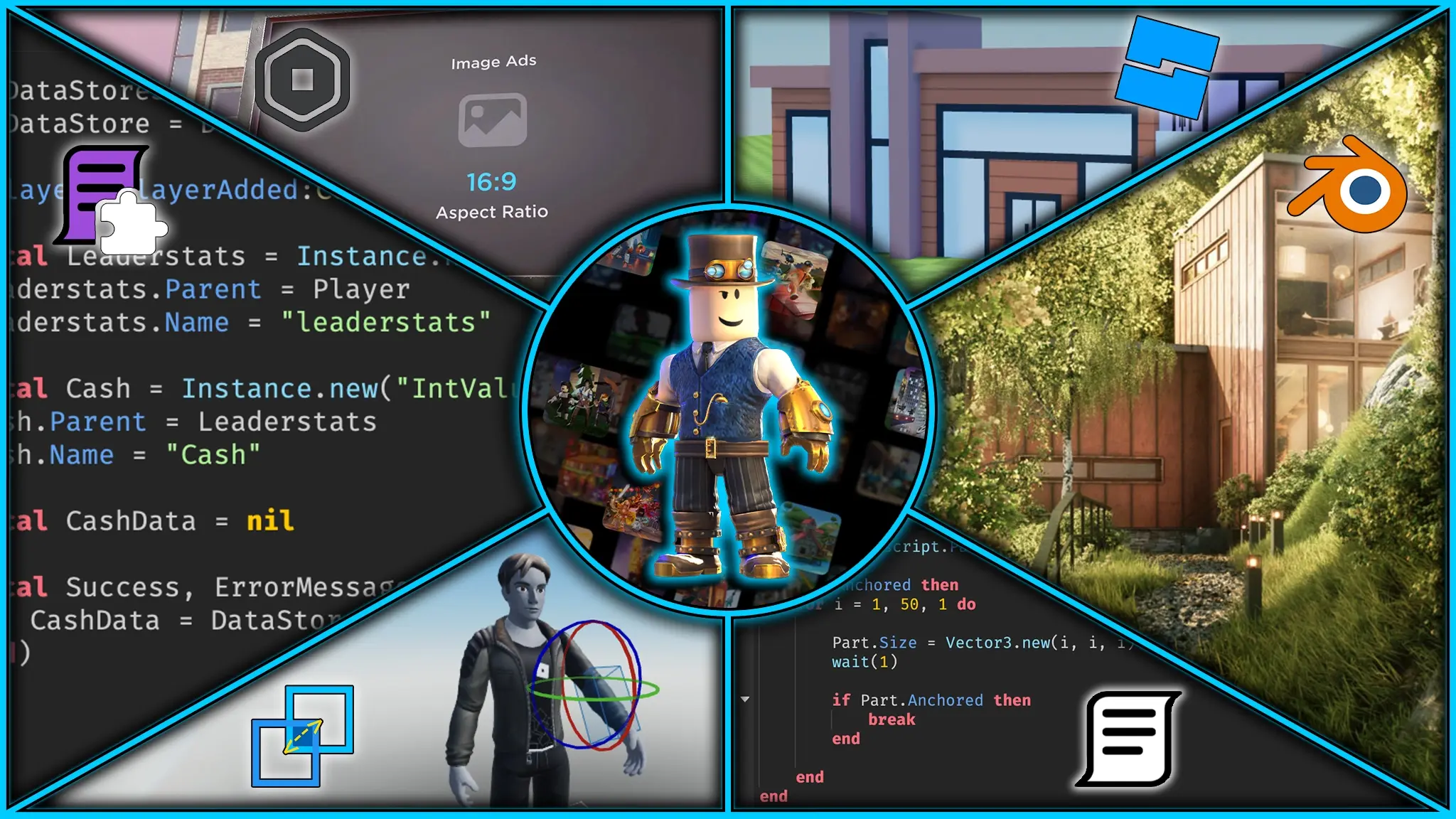
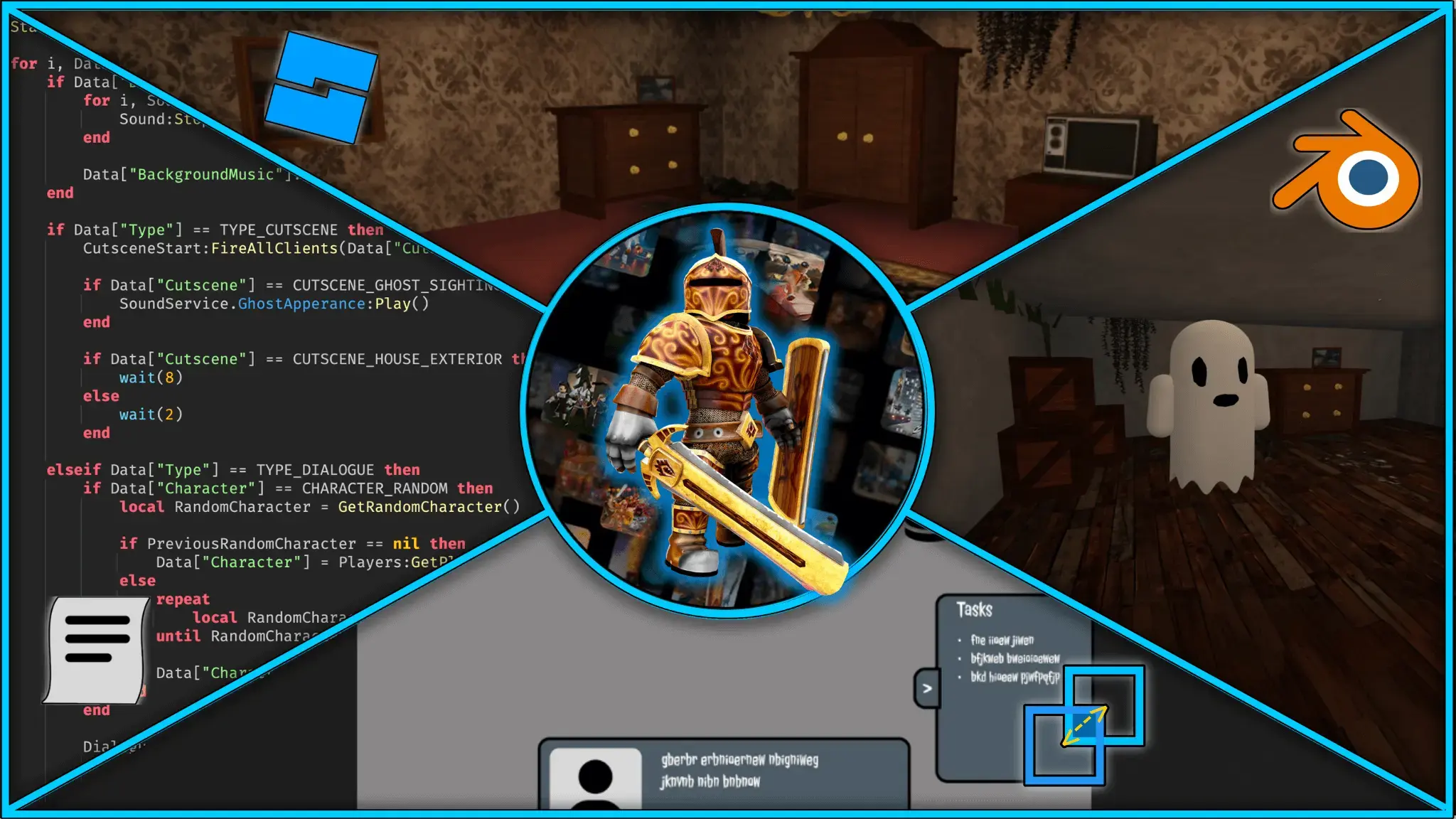
In this course, you will learn the basics of ROBLOX game development including:

  • Roblox Studio Layout
  • Map Design Tools
  • Outputting Messages From Scripts
  • Changing Properties In Scripts
2 Hours of In-Depth Lectures:

Gain a fundamental understanding of ROBLOX game development with 2 hours of free, high-quality lectures. Each lecture contains detailed step-by-step explanations from an experienced ROBLOX tutor and practical real-life examples.

Lecture Review Quizzes:

Reinforce your learning and assess your understanding with review quizzes placed throughout the course. These quizzes provide valuable feedback on your knowledge to help you track your progress and highlight areas you need further practice on.

Game Design Fundamentals:

Master the essential tools in ROBLOX Studio to shape and position your game assets with precision. Learn how to adjust part properties like color, material, and transparency to bring your creations to life, and discover best practices for organizing your game’s structure to keep projects clean, efficient, and easy to manage.

Introduction to Lua/Luau Programming:

Learn the core scripting language behind ROBLOX — Luau. This section introduces you to programming fundamentals in a clear and beginner-friendly way, tailored specifically for ROBLOX developers. You’ll discover how to write clean, efficient code that powers everything from simple scripts to complex game systems.

Discord Community and Help:

By enrolling in this course, you will also have access to the dedicated Discord community with over 1000 members. Here you can get help from other course members, get hired by other developers or have a casual chat. Alternatively, you can also message me on Udemy if you get stuck and I will respond to you within 24 hours.

This course is 100% free with no strings attached, so you can join risk-free. All content has been taken from my larger Roblox Studio Masterclass Course, with 7,500+ students and a 4.6 average star rating.

Join today and embark on your journey to game development greatness!

  • About Me 3:09
  • Course Overview 3:39
  • Setting up Roblox Studio 2:17
  • Join the Discord Server

  • Roblox Studio Basics 8:56
  • Roblox Studio Basics Quiz
  • Using the Move Tool 6:53
  • Using the Move Tool Quiz
  • Using the Scale Tool 3:48
  • Using the Scale Tool Quiz
  • Using the Rotate Tool 3:04
  • Using the Rotate Tool Quiz
  • Tool Settings and Collisions 10:34
  • Tool Settings and Collisions Quiz
  • The Explorer Tab 6:03
  • The Explorer Tab Quiz
  • Basic Part Properties 10:48
  • Basic Part Properties Quiz

  • Scripting Fundamentals 9:22
  • Scripting Fundamentals Quiz
  • Printing and Warning Functions 8:54
  • Printing and Warning Functions Quiz
  • Referencing Objects 10:33
  • Referencing Objects Quiz
  • Changing Properties 1 11:23
  • Changing Properties 1 Quiz
  • Changing Properties 2 15:26
  • Changing Properties 2 Quiz

  • Well Done and Goodbye 2:13
5/5

“This course is definitely a must need for beginners helped me a lot.”

Enzo M. • July 5, 2026
5/5

“This course is definitely a must need for beginners helped me a lot.”

Enzo M. • July 5, 2026
4/5

“Really good course, it responded to my answers and helped me to understand a little bit more than before and learn the basics of Roblox Studio. Thanks”

Emmanuel F. • June 3, 2026
5/5

“This is my introduction to becoming best roblox developer ever mark my words”

Jovan S. • May 5, 2026
5/5

“cool”

Reny O. • April 5, 2026
5/5

“very simple and useful, learnt alot so far.”

Addley • February 5, 2026
4.5/5

“Im actually new to roblox games but his courses so far has given me more insifgt”

Muhiz T. • February 1, 2026
1/5

“I already know all this, its too basic”

Armaan G. • December 29, 2025

Why My Courses Are Hosted on Udemy

Udemy is one of the largest online learning marketplaces, where millions of students discover new skills through structured, video-based courses. It gives learners a simple place to enroll, track progress, and revisit lessons anytime.

I host my courses on Udemy because it gives students a reliable and familiar learning experience, while letting me focus on creating high-quality Roblox lessons instead of rebuilding course delivery tools from scratch.

What this means for you

  • Easy enrollment and course access across devices
  • Progress tracking so you can learn at your own pace
  • Lifetime access to rewatch key lessons when needed
  • Secure checkout, reviews, and a trusted platform experience
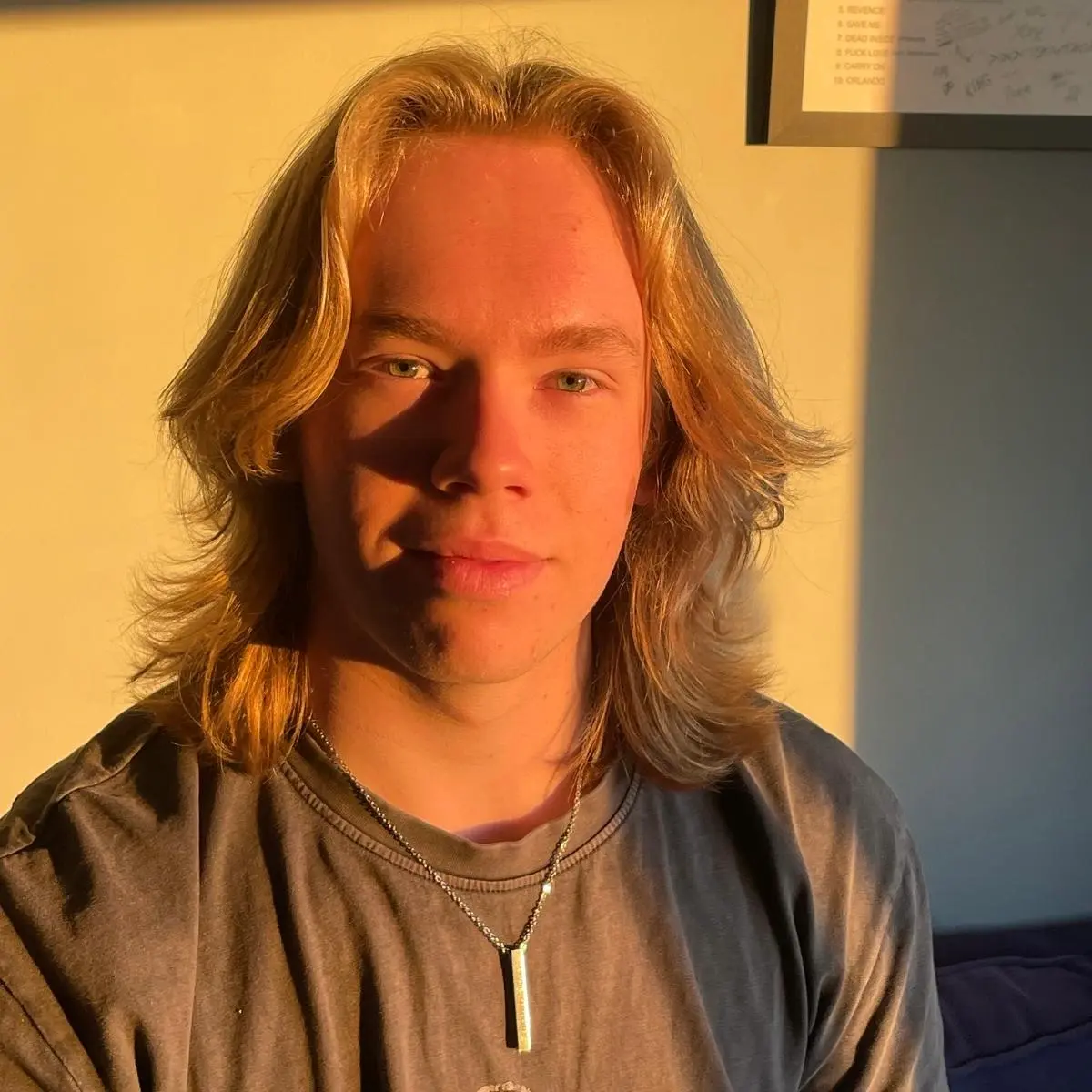
Kurt, creator of the Roblox Studio Masterclass

About Your Instructor

Hi, I'm Kurt. I started learning Roblox Studio as a complete beginner, went on to teach more than 400 one-to-one lessons, and now share what I've learned through structured, practical courses.

Learn more about my journey, the games I've built, and why I created these courses.

More About Me